

Hey all! Want to know how you can play all of your friend’s games on your own Switch for free? Better yet, you can play them for as long as you want!
While game lending will allow you to share games with members of your family plan over a period of two weeks, there is a work around which will allow you to play share games indefinitely. Now, it does require a lot of trust between both users as both will have access to the other’s account.

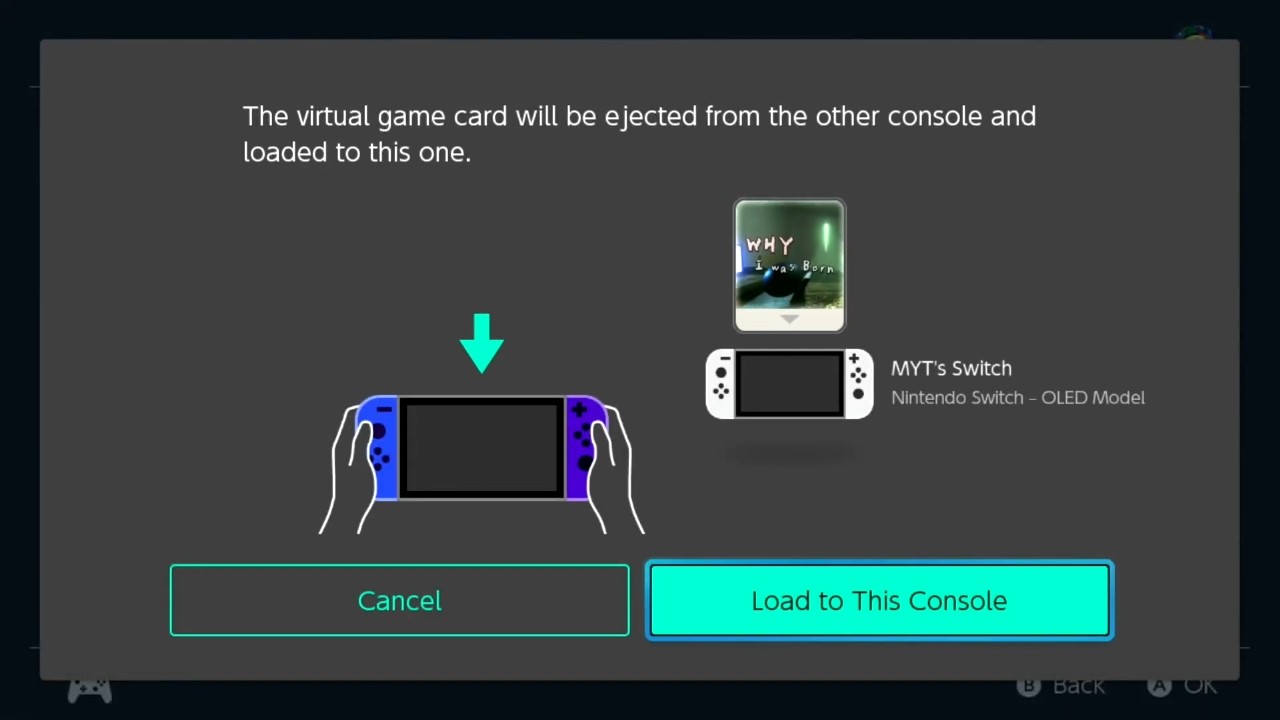
All you need to do is pair your consoles together and add your account to their console and vice versa. You will have to meet up physically to do this, but it only needs to be done once (whereas with game lending, you will need to meet up every time to lend a game). After that, you can freely load any virtual card from one console to the other at any time. If the other person wants their game back, they can simply load it back onto their console! It really is that simple. The downside to this is that you can’t play the same game at the same time, which means online multiplayer with the same game is also out of the window but it does mean you get access to all of the virtual game cards that your friend has and they have access to yours! That said, you can borrow as many games as you want at the same time, and you can also load your games onto the other console from your own.
If you would like to see some visual representation of how to do this, feel free to check out the video below.
I cannot emphasise enough that you will need to have a good foundation of trust in the other person as they will have access to your account and eShop. Please only use this method if you have a good relationship with that person. I will also state that I do not know how many consoles you can pair up with at any one time, but I will get back to you and update this article should I find out more.
A huge thank you to Adam of The Elite Institute for allowing me access to his account so I could test this game sharing method. If you are interested in VR games for Meta Quest and other systems, be sure to check out his website!
Share this:

Discover more from
Subscribe to get the latest posts sent to your email.