

Alarming news!
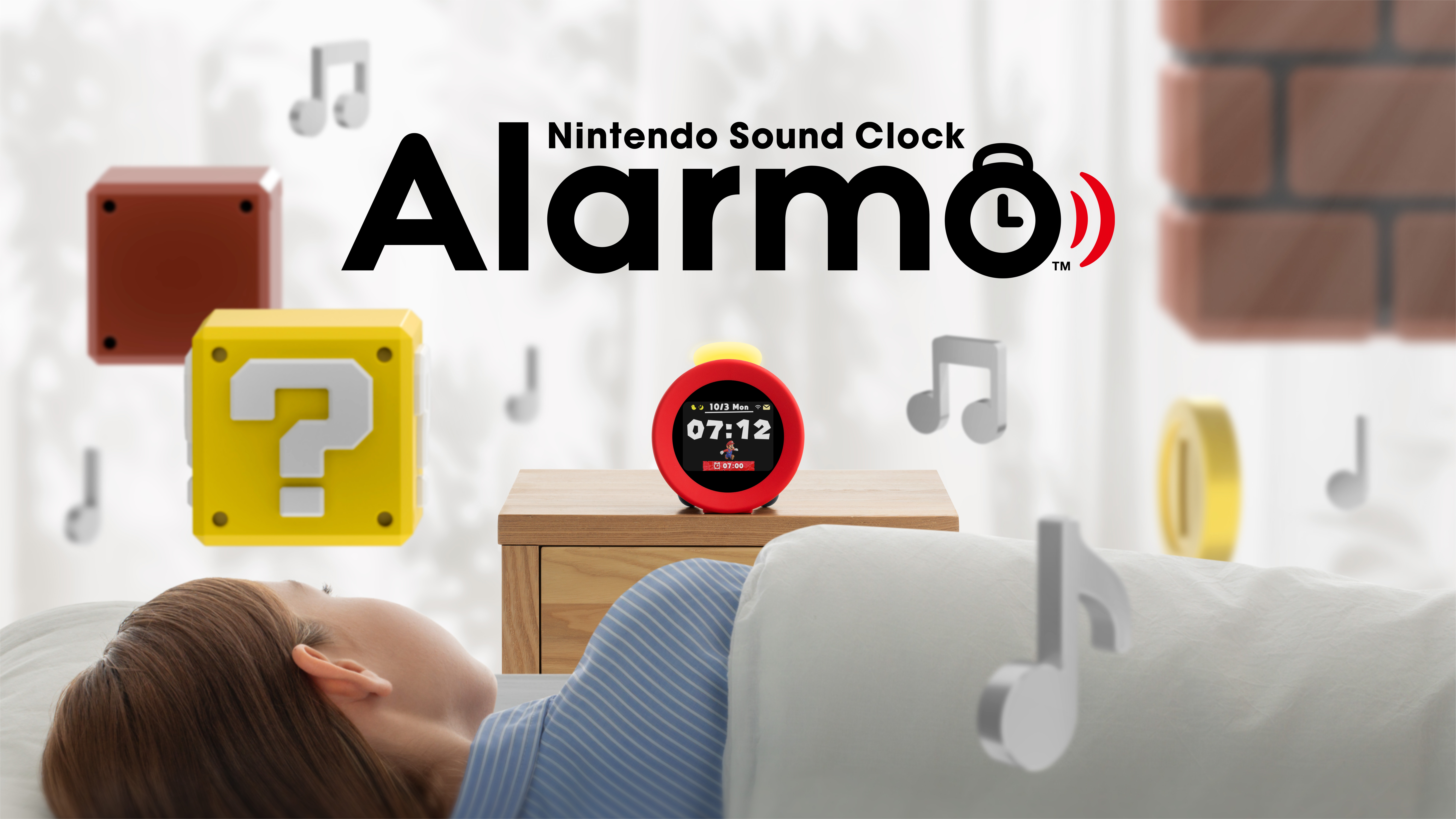
A new update for the Nintendo Sound Clock: Alarmo, is available now and implements several worthwhile changes. For starters, alarms can now be set for different days of the week, scenes can be previewed, sleepy sounds can now be set and more. For the complete list of patch notes, we have them here, followed by the steps one needs to follow to update their Alarmo:
Nintendo Sound Clock: Alarmo | Ver. 3.0.0 Patch Notes: (Released March 23, 2025)
- The alarm’s ON/OFF, time, and mode can now be set separately by each day of the week.
- Sleepy sounds play time can now be set in one minute increments between 1-60 minutes.
- Scenes can be previewed from the alarm scene selection screen.
- Improvements to the determining of when to play sleepy sounds.
- Ability to set up playing sleepy sounds once again even if they have already been played has been added.
- Screen brightness option for darkness has been increased.
- The device’s MAC address can be checked when the device is offline.
- General system stability improvements to enhance the user’s experience
How to Update Your Nintendo Sound Clock: Alarmo
You will receive a notification if a system update is available. Press the Notification Button when the envelope icon is displayed on Alarmo to see recent notifications.
Complete these steps:
- Press the Confirm Button to open the Menu.
- Turn the dial to the Add Alarms screen.
- Press the Confirm Button.
- Follow the prompts to update the device to the latest system version.
About Nintendo Sound Clock: Alarmo:
Make waking up fun with Nintendo Sound Clock: Alarmo™ – Introduce a little play to your wake-up routine with Alarmo, the interactive alarm clock from Nintendo! Start the day off right with fun animations, sounds, and characters from some of your favorite games. You can even snooze the alarm with gestures and end it by getting out of bed, thanks to Alarmo’s motion sensor.
- How does it work? – Select a title, pick a scene, set a time, and let Alarmo handle the rest. In the morning you’ll experience immersive sounds and music from the scene you picked, followed by a game element arriving to help wake you up!
- Before the alarm – A character from the title you selected waits patiently on screen.
- Alarm begins – Gentle sounds unique to the scene you’ve chosen begin to play.
- A visitor arrives – After a few seconds, someone (or some thing!) from the scene you picked will appear. Wave your hand or move your body to make the clock quieter. Depending on the title you’ve choosen, you might also hear coins or other familiar game sounds when you interact with Alarmo.
- A brief snooze – Eventually, your visit will end and gentle sounds will play again until your visitor returns. (This will repeat a number of times if you stay in bed.)
- Time to get up! – If you stay in bed too long, your alarm will get more intense and you’ll get a visit from someone more persuasive!
- You did it! – When you get all the way out of bed, the alarm will stop and you’ll be treated to a brief victory fanfare—hoorah!
- Wake up in the world of Nintendo – Choose from 35 scenes inspired by Nintendo Switch games like Super Mario Odyssey™ and The Legend of Zelda™: Breath of the Wild. Link your Nintendo Account and use the built-in Wi-Fi** to download additional titles like Mario Kart™ 8 Deluxe and Animal Crossing™: New Horizons in free updates as they become available.
- Super Mario Odyssey™ – Embark on a cap-tivating, globe-trotting adventure with Mario and his cute and powerful friend, Cappy.
- The Legend of Zelda™: Breath of the Wild – Step into a world of adventure with Link and explore the kingdom of Hyrule.
- Splatoon™ 3 – Ink, swim, and splat in the fresh and colorful world of Splatoon.
- Pikmin™ 4 – Explore a mysterious planet with your amazing, pint-sized Pikmin pals!
- Ring Fit Adventure™ – Get your body moving with this fantasy adventure that uses real-life exercises.
- More than just a clock – Alarmo lets you add Nintendo soundscapes and characters to your living space, keeps track of your sleep for you, and so much more!
- All-day experience – Add Nintendo ambiance to your living space with an hourly chime and Sleepy Sounds themed to your chosen scene.
- Wake YOUR way – Choose Steady Mode for an alarm that gradually gets more intense the longer you stay in bed, or use Gentle Mode for a more consistent experience.
- Hands-free – Alarmo has a sensor that reacts to your movements***, so you can snooze the alarm with gestures and end it by getting out of bed. Try Button Mode if you prefer a more traditional alarm clock!
- Track your sleep patterns – Check your Records to learn about the time you’ve spent in bed, like how much you’ve been moving around in your sleep****.
Source: Nintendo
Share this:

Discover more from
Subscribe to get the latest posts sent to your email.