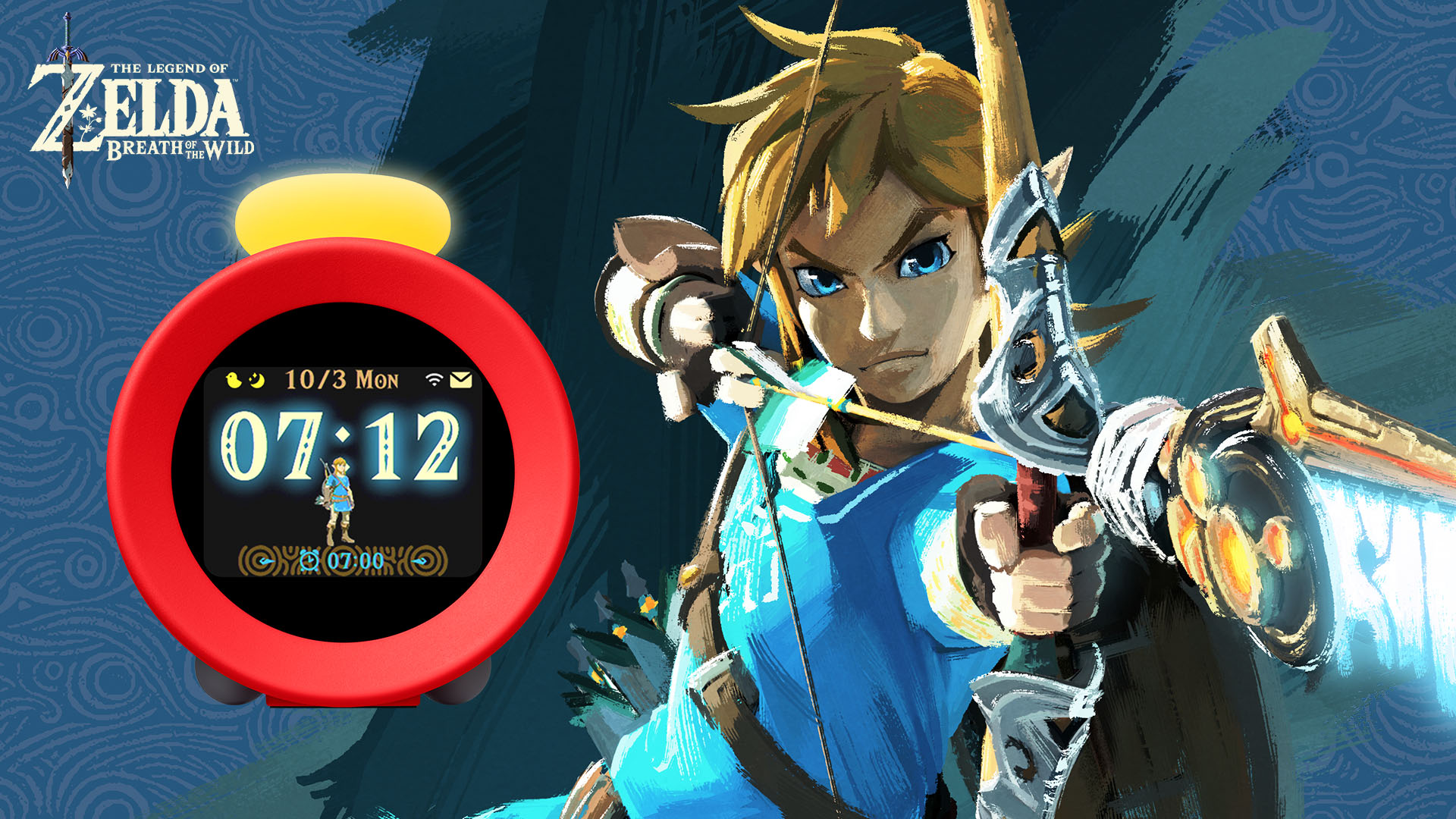
Just in case it wasn’t enough for Nintendo to shadow drop Nintendo Sound Clock: Alarmo on us, they also saw fit to ensure Alarmo was the latest project to be covered during their “Ask the Developer” interview series. Across four chapters, Producer Yosuke Tamori and Director, Tetsuya Akama were asked many questions, and now it is time to hear their answers.
When talking about Alarmo, Tamori and Akama show off a few prototypes and explain the trial and efforts they had when coming up with Alarmo’s design:
Nintendo Sound Clock | Alarmo Devs on The Trial and Error behind Alarmo’s Design:
Tetsuya Akama: We’ve brought along some prototypes today. Here’s an early prototype.
Yosuke Tamori: Back then, it still didn’t have an LCD screen but instead used a display system called a dot matrix LED, similar to the one used on electronic billboards, with LEDs lined up. However, from a software developer’s perspective, we thought it was important for people to be able to use it smoothly without an instruction manual, and we felt that this display system wouldn’t be able to communicate the instructions sufficiently. It was especially difficult to explain the product’s new features, such as the motion sensor.
Tetsuya Akama: While we were developing the prototype, we also had the idea-sharing week that we previously mentioned, in which people could make anything they wanted.
One of the ideas that came up in the idea-sharing week. The gameplay involved using your body to play music to the rhythm.
We still had some things to work out, such as how to utilise and present the motion sensor’s functions.
Yosuke Tamori: At this point, Akama-san had started saying that he wanted to include a lot of game music, but with this prototype, it was really hard to tell which tracks were set as alarms. For example, the first track from Super Mario was displayed as “M1”, and the second track from The Legend of Zelda was shown as “Z2”.
That’s just one example. We knew if we continued like this, we’d definitely run into a brick wall, so we had extensive discussions about the hardware specifications. We discussed things like whether we should have an LCD screen or whether it would be better to put a button on top so it’s easier to press. While ensuring we didn’t lose sight of the meaning of using the motion sensor, we searched for a balance that would improve usability.
Incidentally, the team members who designed the hardware also designed the user interface. They went through a series of prototypes, trying to find the best balance between design and functionality, aiming to achieve better usability in terms of both hardware and software.
Tetsuya Akama: The prototype we have here was the result of such trial and error.
We’ve disassembled the contents of the first prototype and put them into this part. The system that serves as the brain of the alarm clock is in the base, and the LCD screen and speaker are built into the upper part, with one dial on the top, and a second on the side.
Yosuke Tamori: There are fewer buttons compared to the first prototype.
Tetsuya Akama: Originally, we had a power button and a volume button, but it was a nuisance to keep pressing them. So we integrated the functions of these buttons into a dial on the side. However, even that felt like a hassle to use, so in the final product, we decided to have just one dial and two buttons on the top.
Yosuke Tamori: The second prototype was difficult for left-handed people to use because the dial was on the right. Also, we wanted it to be stable even without the base part, so eventually, we placed all the controls on the top.
Tetsuya Akama: We were also worried that if there were buttons and dials on the side, pressing them could mess with the orientation. To ensure the motion sensor could detect movement correctly, we aimed to design the device so that it would remain in the same position as much as possible when you press the buttons.
The most difficult factor in the design decision was whether to make it look like an alarm clock or not. While it’s a highly novel product that offers a completely new experience, we thought it was important to communicate clearly that it’s an alarm clock. After a lot of consideration, we decided to go with a design that people would instantly recognise as an alarm clock. Also, Tamori-san requested that if Alarmo was to be drawn as a picture or icon, it should be in a shape that would be instantly recognisable and eye-catching to anyone who saw it, so we ended up with this shape.
Yosuke Tamori: Since you can’t see where the sensor is, we designed the device in the shape of a megaphone so that when you’re placing it on a surface, you’ll instinctively turn it towards yourself. Also, because the LCD screen was restricted to a rectangular shape, we consulted with the hardware designers to decide on the design and specifications of the screen display so that it would blend seamlessly with the hardware’s circular shape.
Tetsuya Akama: We were very careful to adjust the brightness of the screen so that it hopefully wouldn’t disturb the user’s sleep. The motion sensor brightens the screen as you move your body to look at it, and some developers said this function would be useful even for a regular clock.
In 2015, when rumours of the NX and Zelda U were everywhere, my brother and I started Miketendo64 and we've been running it ever since. As the Editor-in-Chief, I have attended video gaming events in three different countries, been to preview events, and penned more than 4,000 articles to date, ranging from news, to features, reviews, interviews and guides. I love gaming and I love all things Nintendo. I also love Networking, so don't be afaid to reach out.
Email: contact@miketendo64.com / jack.lo@miketendo64.com
Website: https://miketendo64.com/
YouTube channel: https://www.youtube.com/channel/UCyVMO4QgcniAjhLxoyc9n8Q
Websites store cookies to enhance functionality and personalise your experience. You can manage your preferences, but blocking some cookies may impact site performance and services.
Essential cookies enable basic functions and are necessary for the proper function of the website.
Name
Description
Duration
Cookie Preferences
This cookie is used to store the user's cookie consent preferences.
30 days
These cookies are needed for adding comments on this website.
Name
Description
Duration
comment_author
Used to track the user across multiple sessions.
Session
comment_author_email
Used to track the user across multiple sessions.
Session
comment_author_url
Used to track the user across multiple sessions.
Session
Statistics cookies collect information anonymously. This information helps us understand how visitors use our website.
Google Analytics is a powerful tool that tracks and analyzes website traffic for informed marketing decisions.
Used to distinguish new sessions and visits. This cookie is set when the GA.js javascript library is loaded and there is no existing __utmb cookie. The cookie is updated every time data is sent to the Google Analytics server.
30 minutes after last activity
__utmc
Used only with old Urchin versions of Google Analytics and not with GA.js. Was used to distinguish between new sessions and visits at the end of a session.
End of session (browser)
__utmz
Contains information about the traffic source or campaign that directed user to the website. The cookie is set when the GA.js javascript is loaded and updated when data is sent to the Google Anaytics server
6 months after last activity
__utmv
Contains custom information set by the web developer via the _setCustomVar method in Google Analytics. This cookie is updated every time new data is sent to the Google Analytics server.
2 years after last activity
__utmx
Used to determine whether a user is included in an A / B or Multivariate test.
18 months
_ga
ID used to identify users
2 years
_gali
Used by Google Analytics to determine which links on a page are being clicked
30 seconds
_ga_
ID used to identify users
2 years
_gid
ID used to identify users for 24 hours after last activity
24 hours
_gat
Used to monitor number of Google Analytics server requests when using Google Tag Manager
1 minute
_gac_
Contains information related to marketing campaigns of the user. These are shared with Google AdWords / Google Ads when the Google Ads and Google Analytics accounts are linked together.
90 days
__utma
ID used to identify users and sessions
2 years after last activity
__utmt
Used to monitor number of Google Analytics server requests