

Different day, different app.
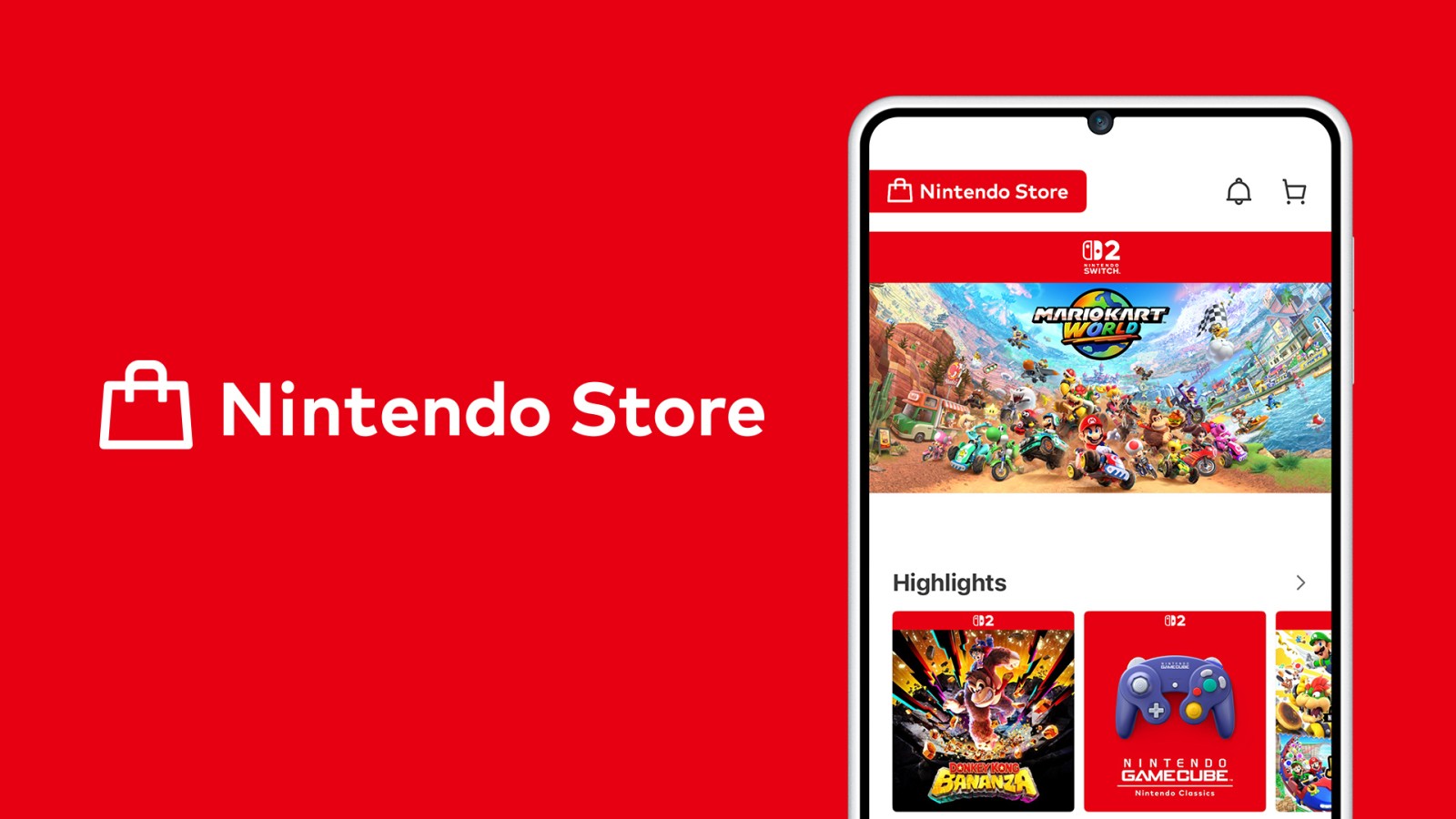
Just in case the Nintendo Today!, Nintendo Switch App, Nintendo Music and Switch Parental Controls app weren’t taking up too much of your phone space, Nintendo now has a new app for users to download. Available now for Android and iOS users, the all-new Nintendo Store app is a brand-new app that allows users to add games to their wishlist, find a new favourite, purchase products and merchandise and even check out their recent activity.
Will you be downloading the app? Let us know!
About Nintendo Store!:
Nintendo Store is a free smart device app for browsing Nintendo consoles, accessories, games and merchandise. Browse and buy, get the latest news, and more!
Purchase directly from Nintendo — You can use this app to check out Nintendo Switch 2 and Nintendo Switch consoles, as well as all sorts of other products, then jump directly to My Nintendo Store to make purchases.
Find your next favourite — Search for specific products or browse by category to find just what you want.
Add to your Wish List — Tap the heart icon to save a product to your Wish List. You can even receive notifications when items on your Wish List go on sale!
Hear about the latest Nintendo products and activities — You can receive news about Nintendo games, merchandise, events and more!
Check your play activity — Sign in to see your Nintendo Switch 2 and Nintendo Switch play activity. You can also check your play activity up to the end of February 2020 for Nintendo 3DS family systems and Wii U!
See which games you’ve played the longest, the date you started each game, and more — In the Recent Activity section, you’ll find your Nintendo Switch 2 and Nintendo Switch play activity by day for the past week.
Please note: your Nintendo Network ID must be linked to your Nintendo Account in order for you to be able to see Nintendo 3DS and Wii U play activity.
Check in at events — You can use the app to check in at official Nintendo stores and other places and earn related rewards! You can also see a list of upcoming events and review your check-in activity.
Source: Nintendo
Share this:

Discover more from
Subscribe to get the latest posts sent to your email.