

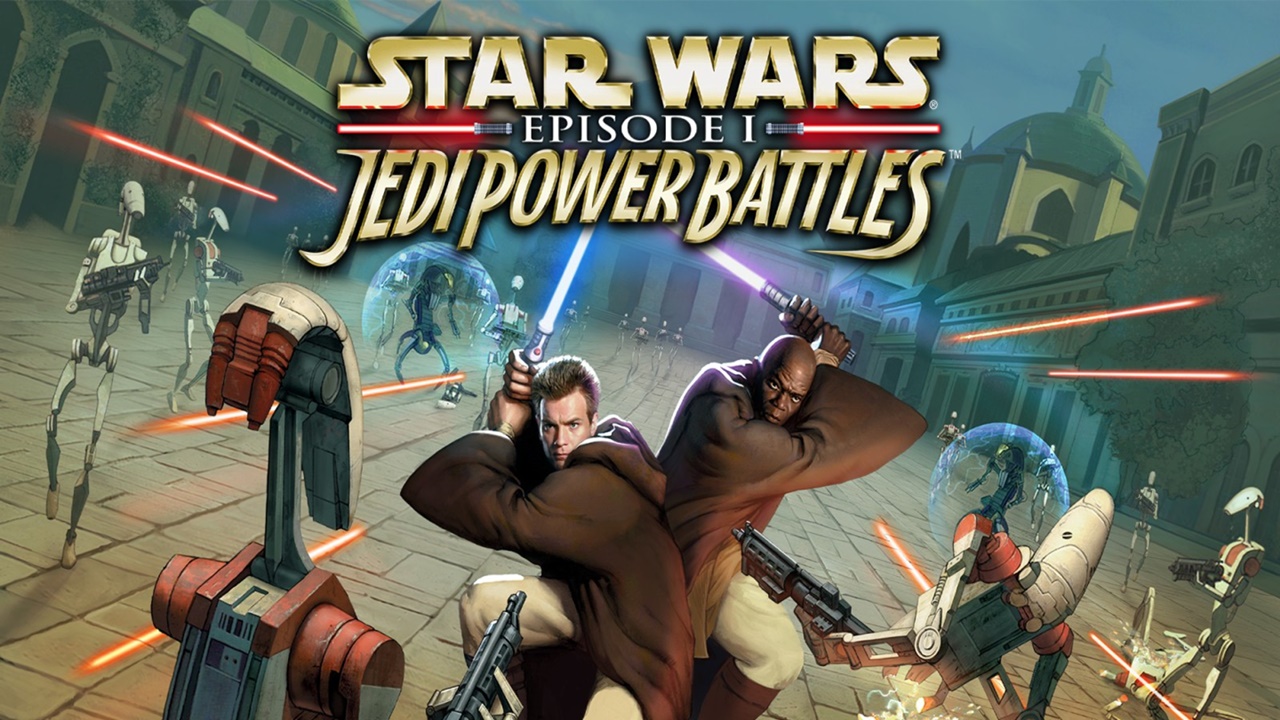
Unleash the force with these Jedi Power Battles Cheats for all platforms!
Thanks to Aspyr, who are known for their remasters of classic Star Wars and Tomb Raider games, Star Wars: Episode I: Jedi Power Battles is back and out now for modern consoles. If you have recently picked this up, and would like to get more out of the game with some interesting Jedi Power Battle Cheats and what unlockables there are then we have them right here for you and not just for Nintendo Switch, but for all versions of the game!
Each code below has their own means of how you can input them and what buttons you need to press. There are seven cheats in total and an unlockable weapon to obtain. I will just add that the following cheats were provided to us directly from Aspyr but we have noticed some codes do not work on the Switch version (those marked with an Asterisk). In addition, as for the codes for other platforms, I am unable to test these to confirm whether they work or not. However, if anyone does try these codes, please let me know if they work for you or not so we can update our Star Wars: Episode I: Jedi Power Battles Cheats guide.

Star Wars: Episode I: Jedi Power Battles Cheats
Player Versus Player Combat (Campaign)
- What it Does: Engage in player-versus-player combat whilst playing through the campaign.
- Where to enter: From the main menu, choose “New Game” and start a two-player game.
- How to activate:
- Switch: Hold ZR, press Y + X + A, then B
- PlayStation: Hold R2, press Square + Triangle + Circle, then Cross
- Xbox: Hold RT, press X + Y + B, then A
- SteamDeck: Hold R2, press Y + X, then A
Activate Radar Map
- What it does: Activates a radar map to reveal enemy locations.
- Where to enter: On the Pause screen.
- How to activate:
- Switch: Up, Down, Up, L, R, L
- PlayStation: Up, Down, Up, L1, R1, L1
- Xbox: Up, Down, Up, LB, RB, LB
- SteamDeck: Up, Down, Up, L, R, L
Return to Checkpoint*
- What it does: Returns you to the last checkpoint you activated.
- Where to enter: On the Pause screen.
- How to activate:
- *Switch: L, R (repeat 4 times)
- PlayStation: L1, R1 (repeat 4 times)
- Xbox: LB, RB (repeat 4 times)
- SteamDeck: L, R (repeat 4 times)
Big Head Mode*
- What it does: Gives player characters’ big heads.
- Where to enter: During play without pausing.
- How to activate:
- *Switch: L + D-Pad Down + X
- PlayStation: L1 + D-Pad Down + Triangle
- Xbox: LB + D-Pad Down + Y
- SteamDeck: L + D-Pad Down + Y
Big Head, Feet & Weapon Mode*
- What it does: Gives the player characters’ big heads, feet, and weapons.
- Where to enter: During play without pausing.
- How to activate:
- *Switch: L + D-Pad Down + B
- PlayStation: L1 + D-Pad Down + Cross
- Xbox: LB + D-Pad Down + A
- SteamDeck: L + D-Pad Down + A
Tiny Mode*
- What it does: Shrinks the player’s character.
- Where to enter: During play without pausing.
- How to activate:
- *Switch: L + D-Pad Down + ZR
- PlayStation: L1 + D-Pad Down + R2
- Xbox: LB + D-Pad Down + RT
- SteamDeck: L + D-Pad Down + R
Unlock Loader Droid*
- What it does: Unlocks the Loader Droid as a playable character.
- Where to enter: Select Campaign and go to the character select menu.
- How to activate:
- *Switch: R + L + Y
- PlayStation: R1 + L1 + Square
- Xbox: RB + LB + X
- SteamDeck: R + L + X
Ultimate Saber
- What it does: Unlocks the fully upgraded lightsaber in Survival Challenge mode.
- How to unlock: Successfully beat 100 enemies in Survival Challenge mode (may the Force be with you on this one).
Extra Characters
Along with all the characters that are already available in the game originally, there are plenty of extra characters to unlock in the New Game+. In order to access New Game+ you must first beat the game on either Jedi or Easy difficulty. You can then play through the Campaign with the new characters, although they won’t get any perks like health or force increase upon beating a stage. The new characters, however can used in Vs. Mode without needing to beat the campaign and include the likes of Jar Jar Binks, Mercenary, Gungan Guard, Staff Tusken Raider and more. Here is the full list:
- Pilot Droid
- Rifle Droid
- Flame Droid
- Destroyer Droid (Droideka)
- Staff Tusken Raider
- Rifle Tusken Raider
- Weequay
- Ishi Tib
- Rodian
- Mercenary
- Gungan Guard
- Jar Jar Binks
We hope you find this guide helpful and if you find any issues with the codes for other platforms, please let us know so we can inform Aspyr of the issues directly. Thank you and until next time, Keep On Gaming!
Share this:

Discover more from
Subscribe to get the latest posts sent to your email.